



Getting started
Passwork 2FA is a mobile app that allows you to confirm your Passwork sign-in in one tap and also use it for two-factor authentication in third-party services.
With Passwork 2FA you can:
- Quickly log into Passwork accounts without using one-time codes.
- Automatically set up two-step authentication with QR codes.
- Use two-factor authentication even without an Internet connection.
- Confirm logins to third-party services and applications.
Download the app
Passwork 2FA is available on App Store and Google Play. You can also scan a QR-code or go through a direct link located in the 2FA method selection window on the Authentication page.

Connect to Passwork
warning
Connecting mobile apps is available in Passwork 4.7.0 or higher
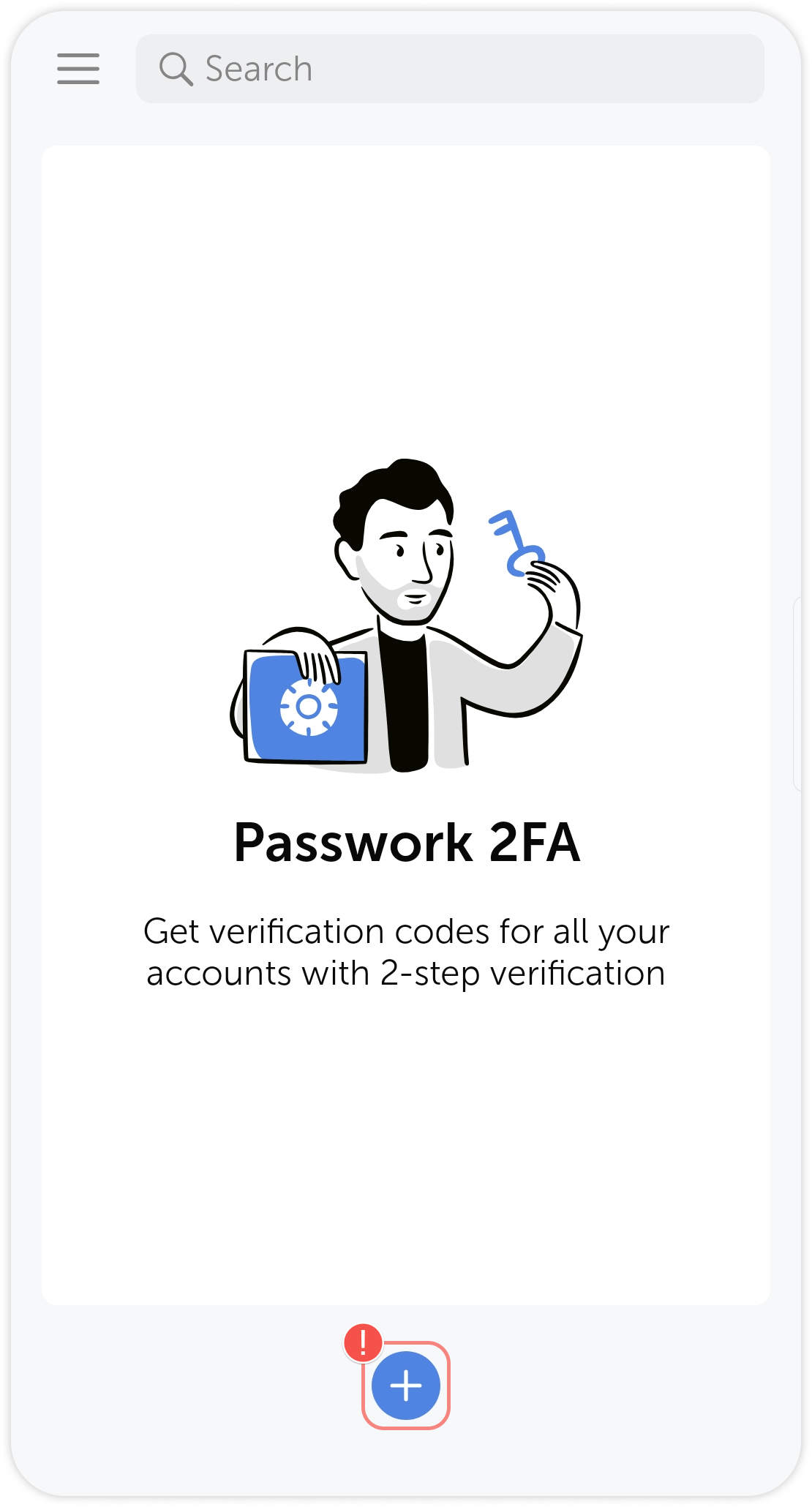
After installing the app, open Passwork 2FA and tap on the  icon at the bottom.
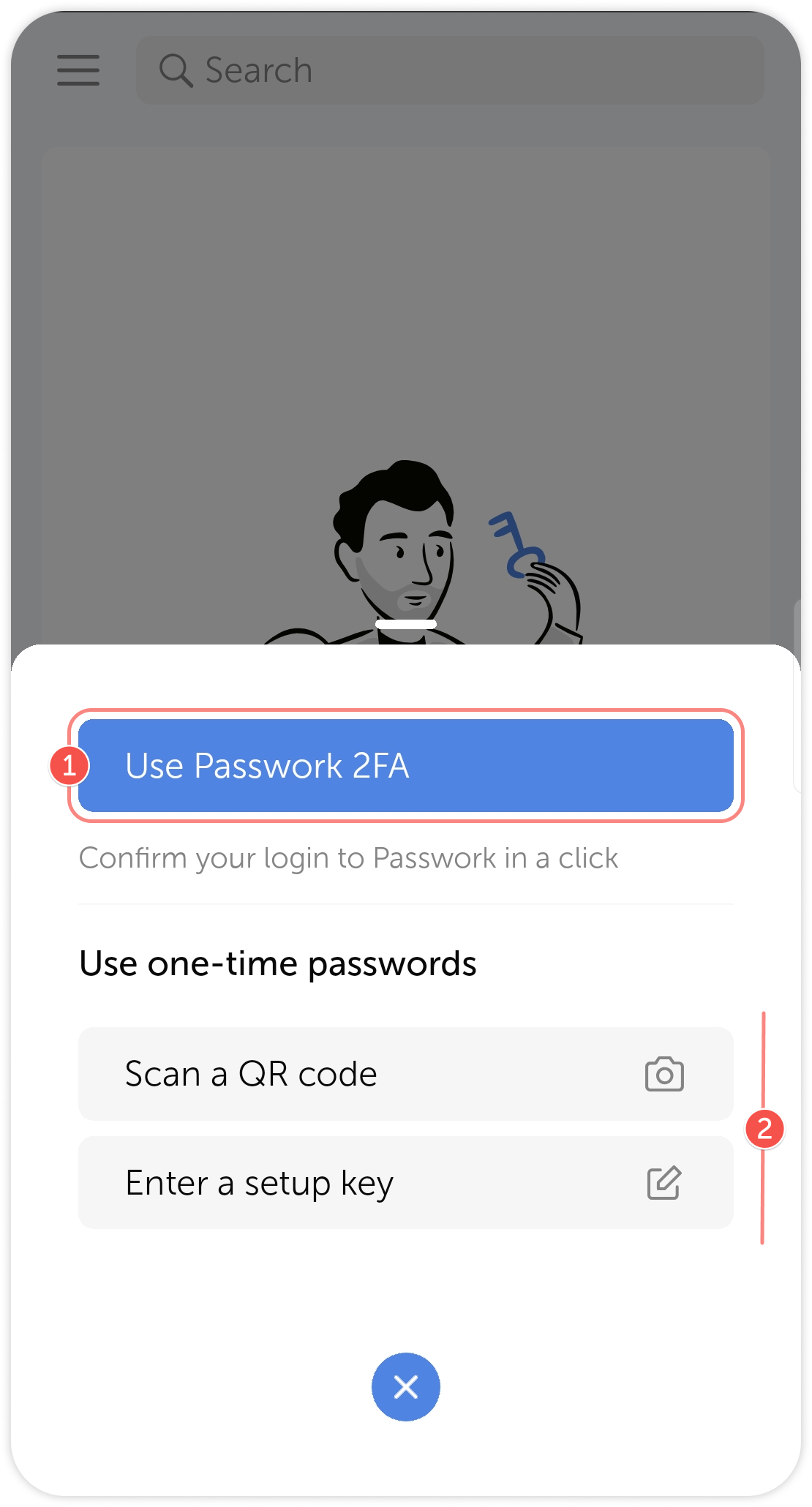
Then, choose the appropriate method, depending on how you use Passwork:
- If your Passwork is connected to the Internet, tap the Use Passwork 2FA button.
- If your Passwork is hosted on a closed network, or you want to add a third-party service use the offline mode by scanning a QR code or entering a setup key.
tip
- If your Passwork is connected to the Internet
- If your Passwork is on a closed network, or you want to add a third-party service