


Account management
Add an account
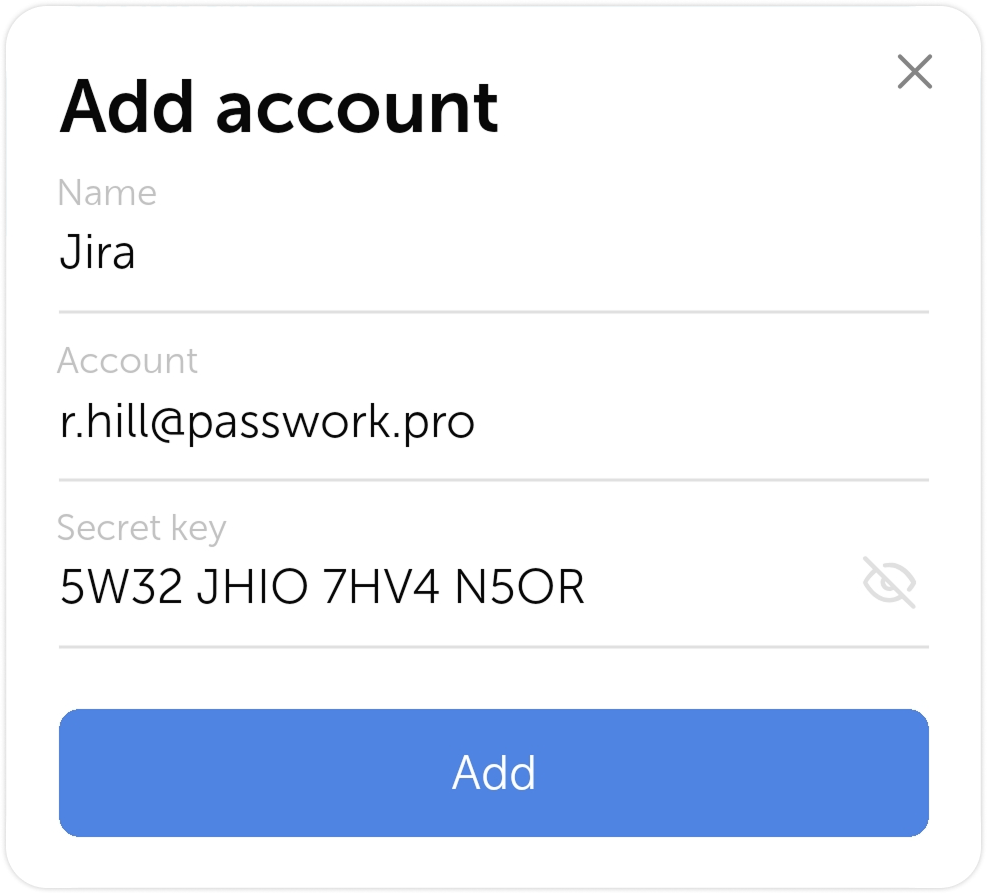
There are two ways you can add an account into Passwork 2FA:
- Scan a QR code
- Enter a setup key
If you scan a QR code, the account will be added automatically. If you choose to enter a key, you will need to fill in the account information manually.
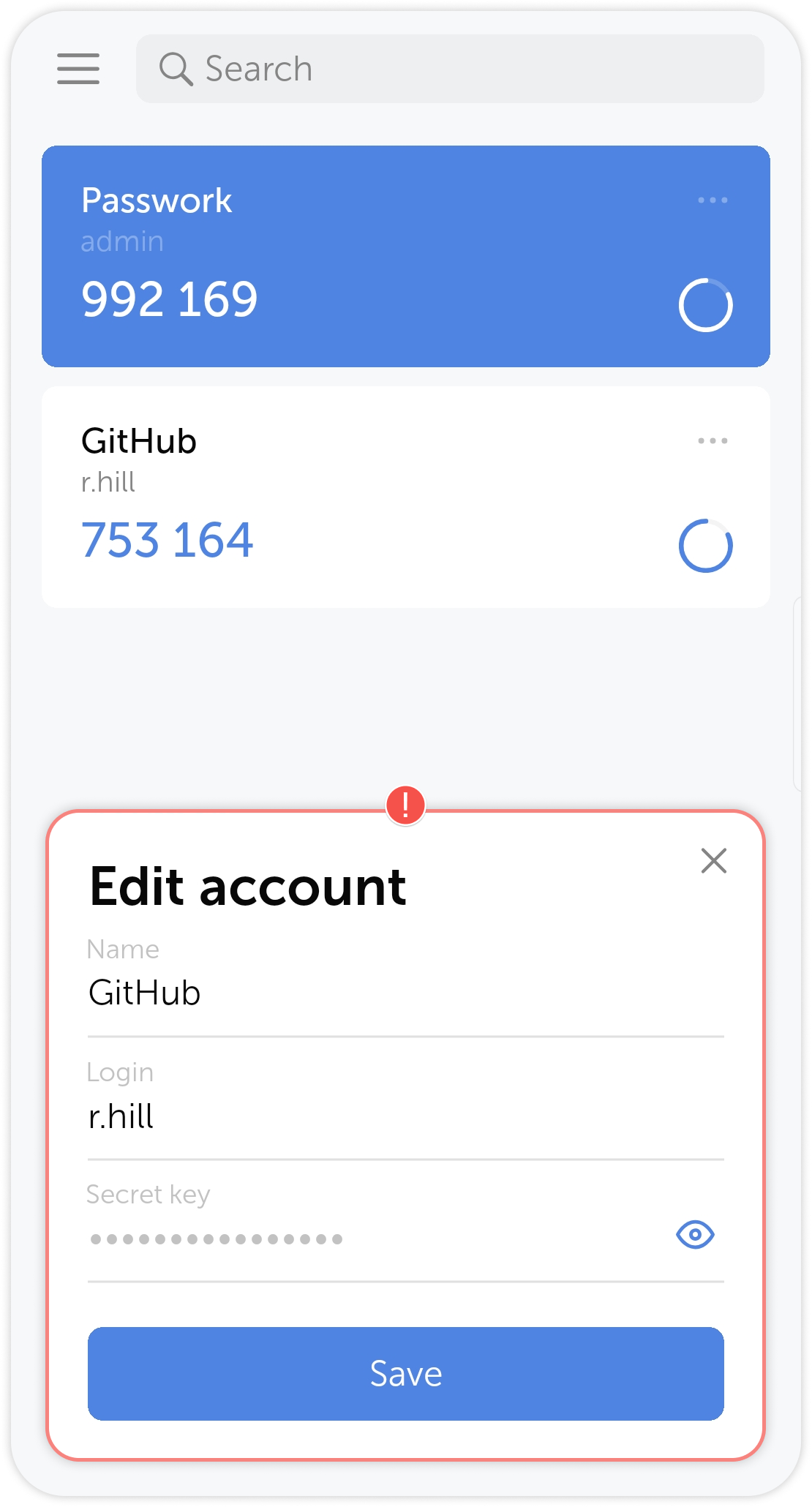
Edit account information
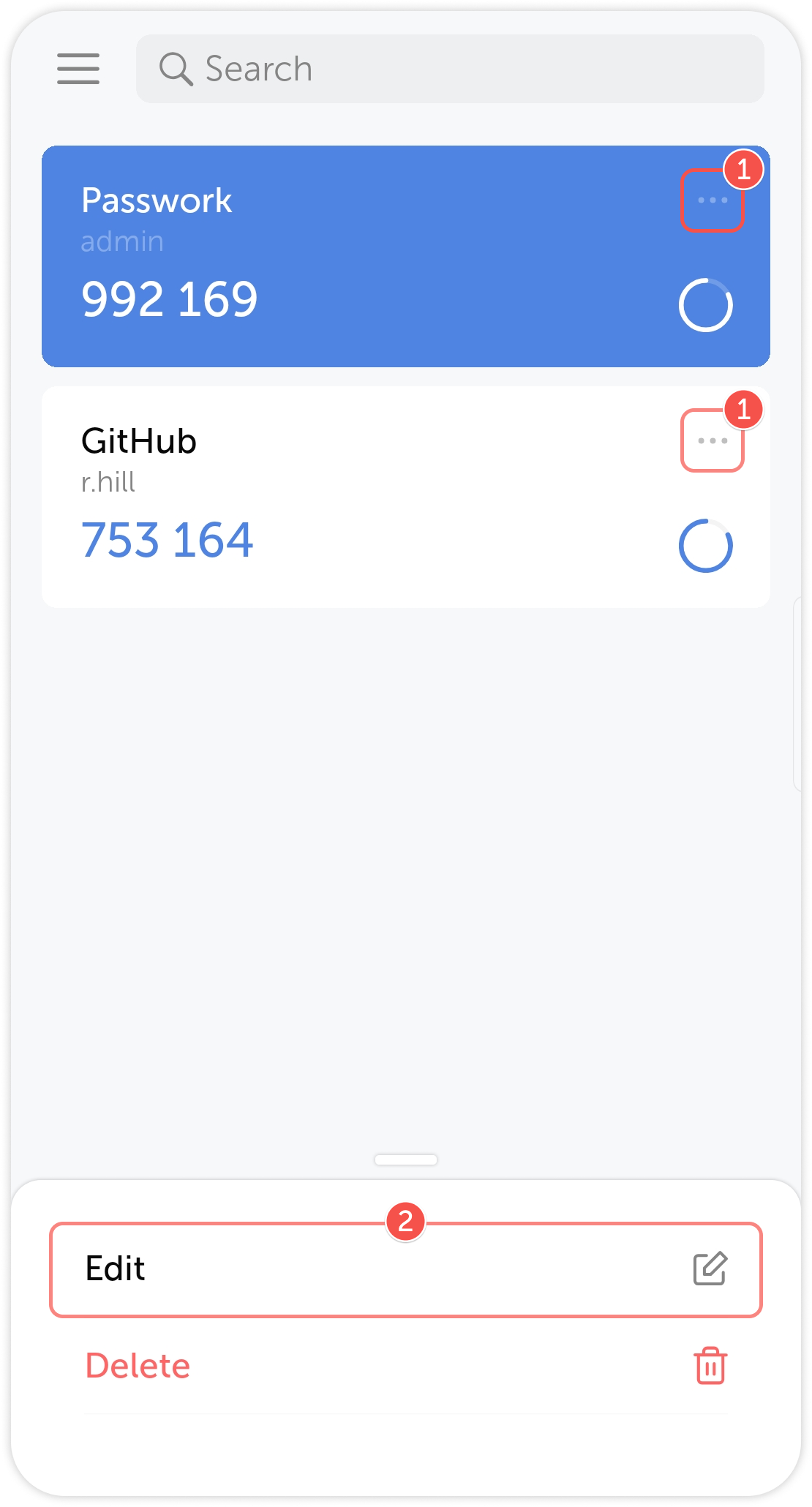
To edit an account, tap the three dots on the right side of the account block and choose Edit.
1
2
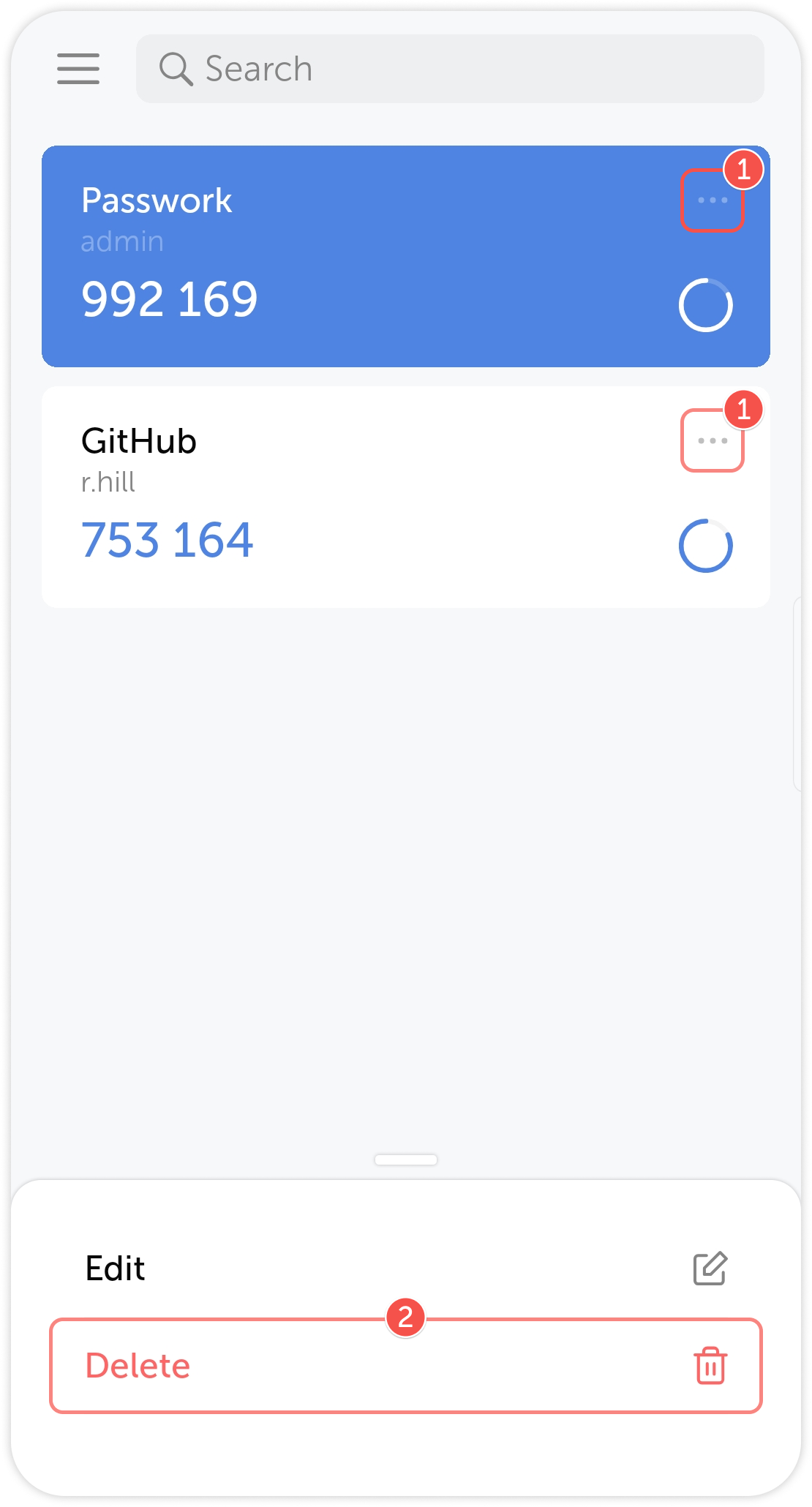
Delete an account
To delete an account, tap the three dots on the right side of the account block and choose Delete.