



Windows Server (Installer)
danger
We have updated the Passwork installation on Windows Server. Instead of the PassworkSetup.exe installer, a modern and convenient installation method using the PowerShell module is now available.
Open the Start menu and select Update Passwork, which allows you to update Passwork to the latest current version:
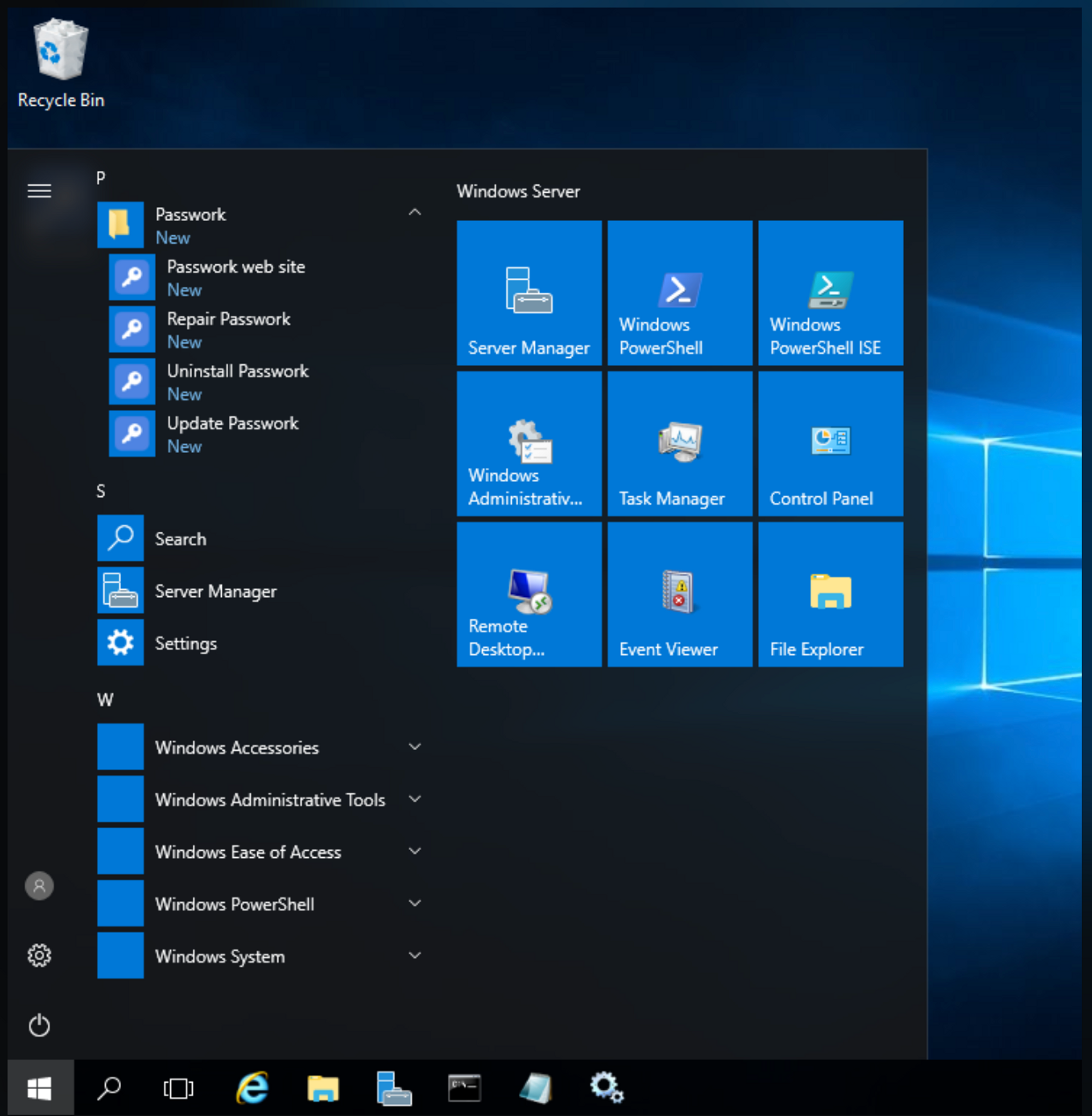
Available update options
You can update Passwork in two ways.
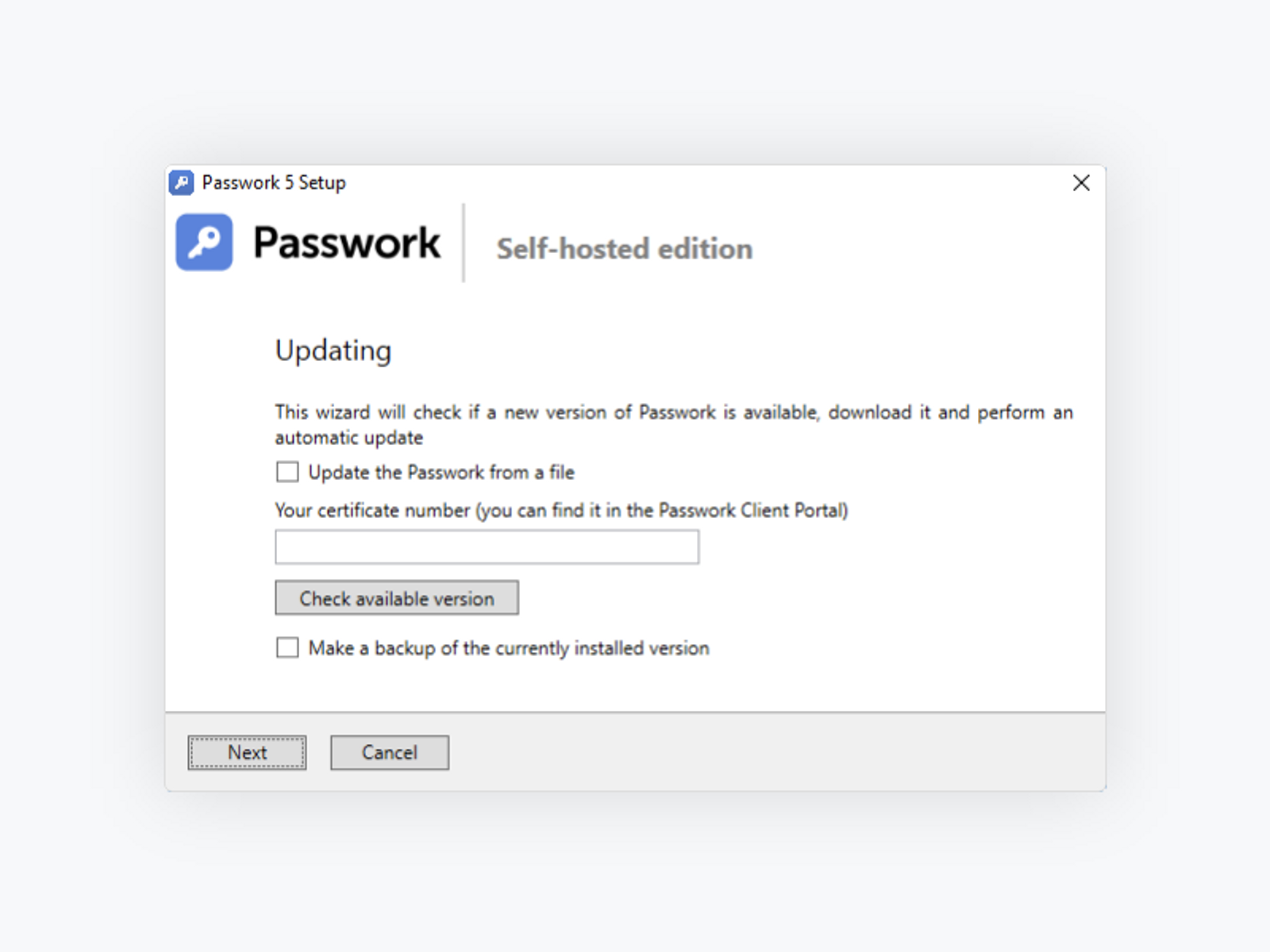
- Online — using an API key from the Customer Portal. You can check which version is available for your license, and the installer will automatically download and install it.
- Offline — using a Passwork archive obtained from the Customer Portal.
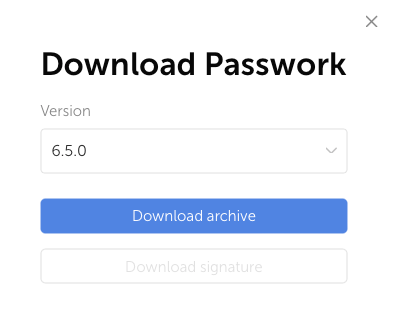
Also, through the dialog window, you can create a backup before updating. A directory will be created in C:\inetpub\wwwroot\backups with a name in the format day_month_year-hour-minute_version, containing a passwork archive with the current version and a pwbox directory, which is a backup of the database.