



Emergency mode
Owner password reset
If the password for a user with the Owner status has been lost or forgotten while using Passwork, you can perform a password reset.
You need to enable the password reset option in the Passwork configuration file — config.env:
- Linux —
/var/www/init/config.env - Windows Server —
C:\inetpub\wwwroot\passwork\init\config.env - Docker —
/<passwork>/conf/keys/config.env
Add the following line to the configuration file:
- shell
IS_EMERGENCY_RESET_ENABLED=1
After resetting the Owner password, you can change the value from 1 to 0 to disable the possibility of repeated resets.
In the Linux terminal or PowerShell on Windows Server, perform the Owner password reset using the following commands:
- Linux
- Windows Server
- Docker
cd /var/www/
php ./bin/console user:owner:password:emergency:reset
cd "C:\inetpub\wwwroot\passwork\"
php .\bin\console user:owner:password:emergency:reset
cd /<passwork>/
docker compose exec -T php-fpm sh -c "cd /server/www && php ./bin/console user:owner:password:emergency:reset"
Example of successful execution:
- output
New password: 2cBnu$V~
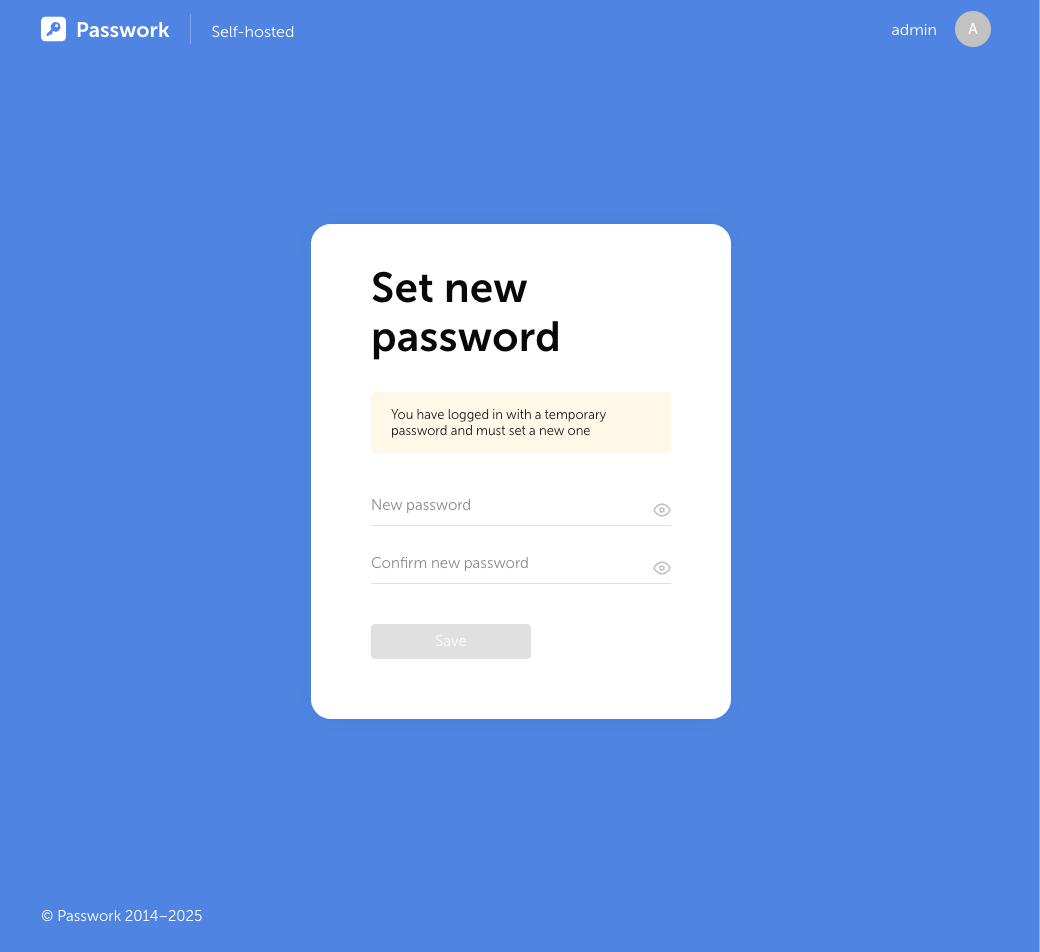
Open the login page in the Passwork web interface, enter the Owner login and the received password. Then set a new password for the user:
Owner 2FA reset
If the connected TOTP code for 2FA authentication of a user with the Owner status has been lost while using Passwork, you can perform a reset.
You need to enable the 2FA reset option in the Passwork configuration file — config.env:
- Linux —
/var/www/init/config.env - Windows Server —
C:\inetpub\wwwroot\passwork\init\config.env - Docker —
/<passwork>/conf/keys/config.env
Add the following line to the configuration file:
- shell
IS_EMERGENCY_RESET_ENABLED=1
After resetting the Owner 2FA, you can change the value from 1 to 0 to disable the possibility of repeated resets.
In the Linux terminal or PowerShell on Windows Server, perform the Owner 2FA reset using the following commands:
- Linux
- Windows Server
- Docker
cd /var/www/
php ./bin/console user:2fa:emergency:reset owner
cd "C:\inetpub\wwwroot\passwork\"
php .\bin\console user:2fa:emergency:reset owner
cd /<passwork>/
docker compose exec -T php-fpm sh -c "cd /server/www && php ./bin/console user:2fa:emergency:reset owner"
The example command uses owner (the login of the user with Owner status).
After successful execution, two-factor authentication for the Owner in Passwork will be reset.